RGB Dual 2
Recalbox RGB Dual 2: All Options and Complete Video Guide
By LittleG4M3 · 1 March 2026
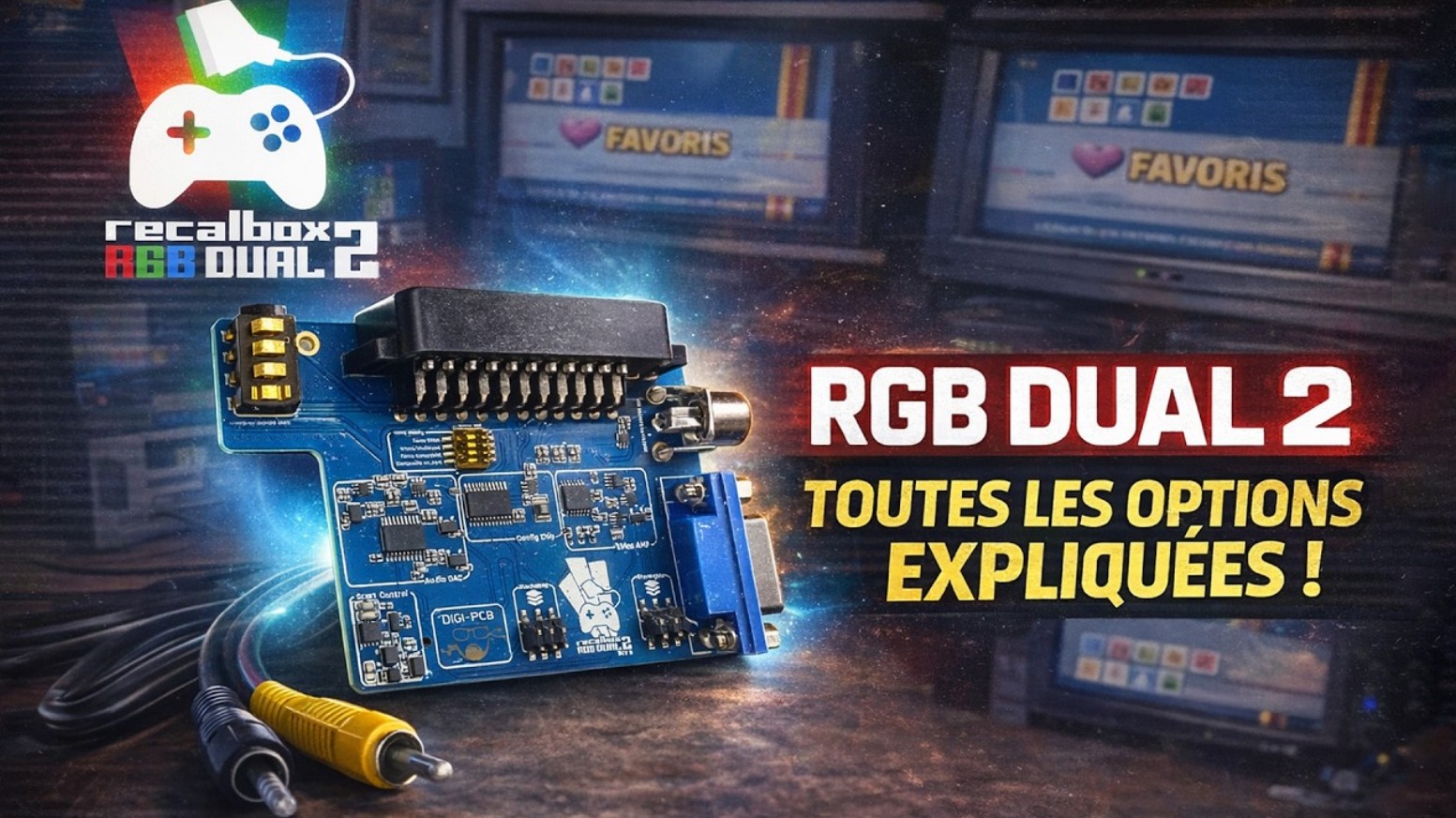
Have you just received your Recalbox RGB Dual 2 or updated to the latest version? We’ve prepared a complete tutorial video to guide you through discovering all the features and settings of your machine. Everything you need to unlock its full potential in just a few minutes!
A complete overview of the options
This ten-minute video walks you step by step through all the available settings. On the agenda: configuring the physical dip switches to ensure compatibility with your display from the very first boot, the different resolutions and signal formats (240p, 480i, 480p), RGB and composite modes, and of course the specific options for 31 kHz displays connected via VGA.
Tips for every type of screen
Whether you play on a CRT TV via SCART, a PC monitor, or a multi-sync display, the video covers every scenario. You’ll learn how to easily switch between your CRT and an HDMI screen without unplugging your hardware, how to enable scanlines in 480p, and how to reduce input lag using the experimental options available in Recalbox 10.
The physical manual included with your RGB Dual 2 remains your best companion, with its QR code giving you access to the regularly updated official wiki. Don’t hesitate to join our Discord as well, where a dedicated RGB Dual 2 channel is waiting for you!
Find the official RGB Dual 2 wiki here.
If you’d like to purchase the RGB Dual 2 on its own or as part of a complete kit, visit the official Recalbox store.
Don’t forget that if you support the Recalbox project via Patreon, you get 10% off the entire store using your promo code available in your Patron space.