Recalbox TV · Recalbox 11 · Media center
Recalbox TV: movies, series and live TV on your Recalbox
By LittleG4M3 · 16 November 2026
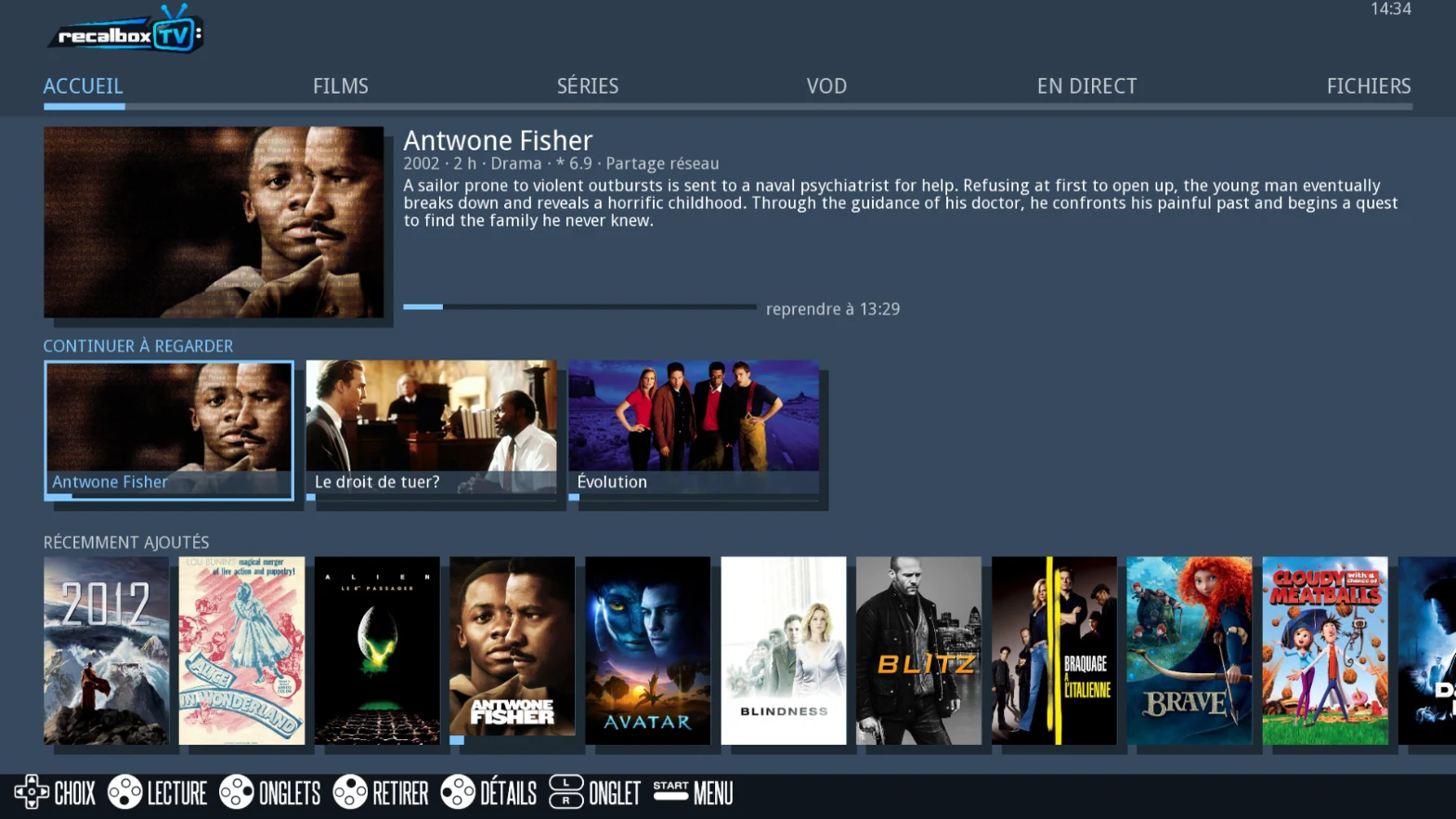
For years, Kodi served as the media center on Recalbox. With Recalbox 11, we are turning the page with Recalbox TV, a media player designed for the gamepad from day one and built right into the interface. Movies and series from your network, Plex or Jellyfin servers, live channels and streaming services: everything is gathered in one place, on an HDMI screen as well as on a CRT TV.
Recalbox TV is part of Recalbox 11, currently available to our Patrons only. These early releases let us test new features on a large scale and polish them thanks to community feedback, while funding the project's development. Rest assured: Recalbox TV will come to everyone with the stable release of Recalbox 11.
Why replace Kodi?
Kodi is excellent software, but it remained a separate application, with its own interface and its own navigation logic. Recalbox TV lives at the heart of Recalbox: the same gamepad, the same habits, and a video player that opens without leaving the frontend. The idea is simple: going from a round of Sega Rally to an episode of your favourite series should feel as natural as switching systems.
All your sources in one place
Recalbox TV finds your videos wherever they are:
- your personal files, on a drive plugged into Recalbox or on a network share, detected automatically;
- your Plex, Jellyfin and DLNA media servers;
- Pluto TV and Twitch, available out of the box, plus Crunchyroll or Plex if you have an account;
- your IPTV channel lists, and even live TV from a Freebox with its programme guide.
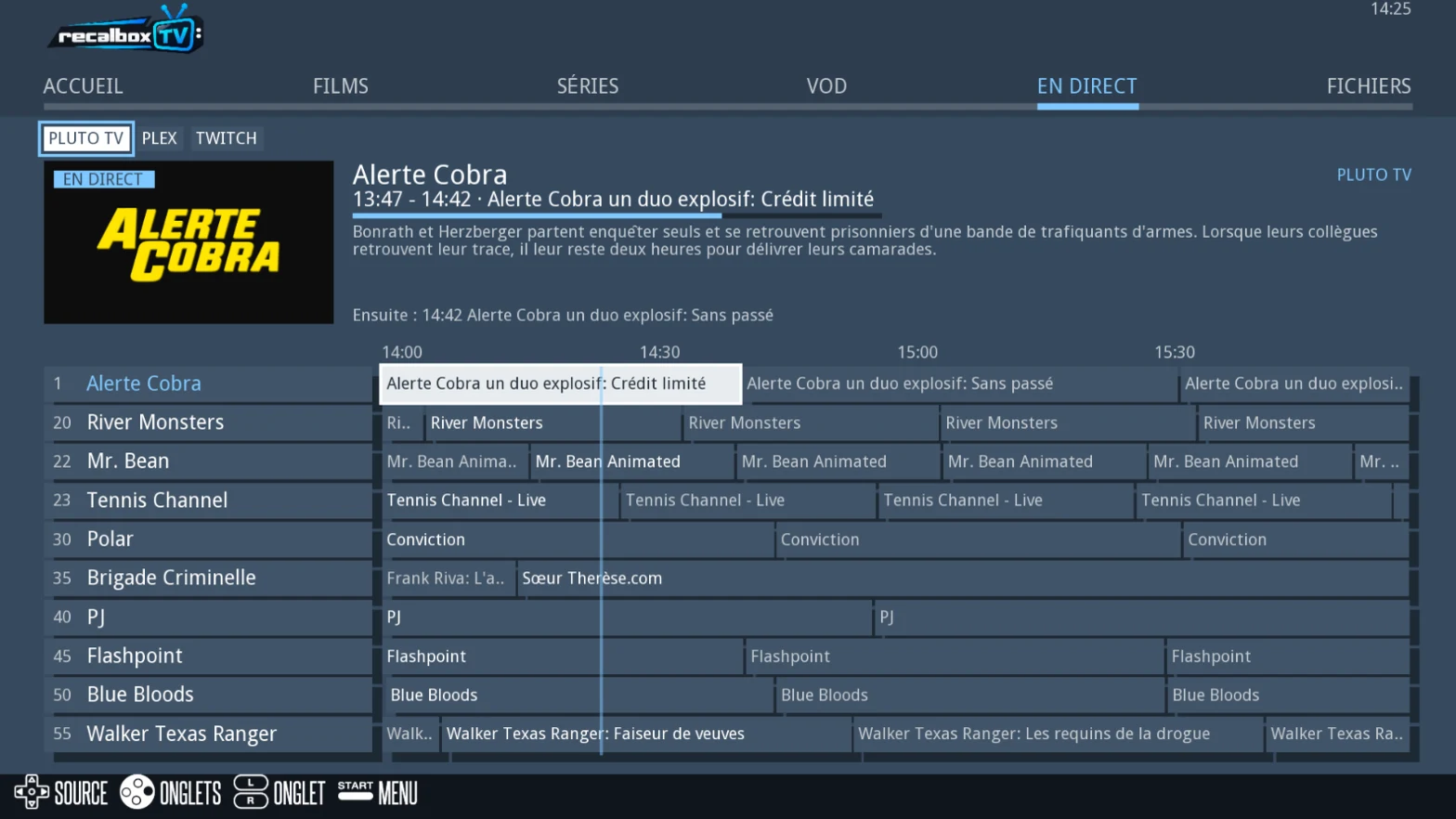
A real movie and series library
Rather than a plain list of files, Recalbox TV builds a library. Movies and series are identified using the TMDB and TheTVDB databases, with their artwork and information, then sorted by genre, decade or source.
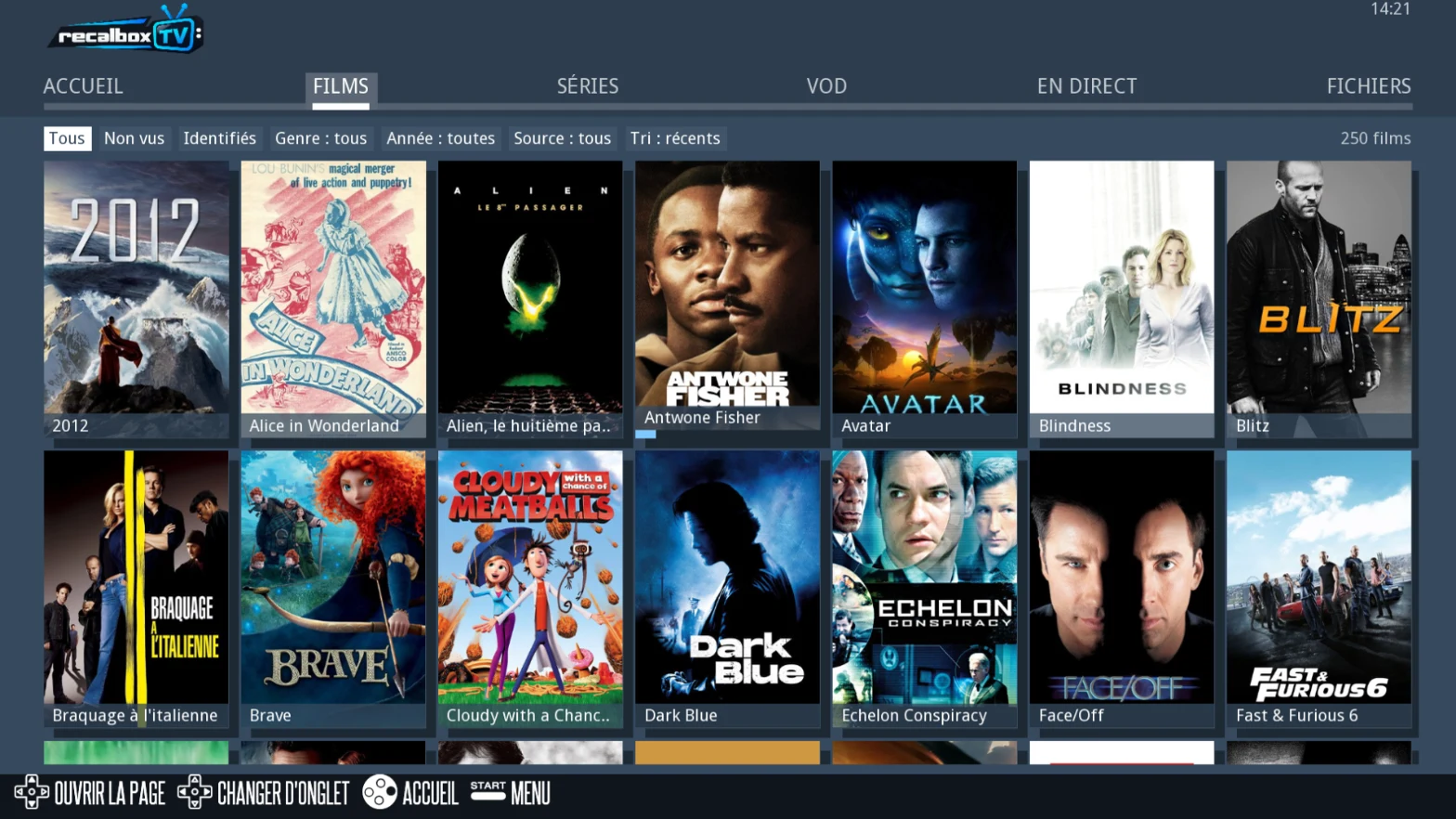
Everyday comfort is there too: playback resumes where you left off, the next episode starts on its own and movies you have already watched are marked as such. The icing on the cake: your TV remote can control Recalbox through the HDMI cable, without even picking up the gamepad.
Faithful picture, from HDMI to CRT
This was something close to our hearts: every video plays at its original rate. A movie shot at 24 frames per second is displayed at 24 Hz on an HDMI screen, avoiding the small judders so familiar on players that force everything to 60 Hz. On a CRT TV, video plays at its own resolution, and at 48 Hz with an RGB Dual board. CRT fans can therefore enjoy their movies on the same screen as their games.
A movie launched with a RecalCard
Card Reader owners will love this: a RecalCard can now directly launch a movie or an episode, just like it launches a game. A nice way to build a physical collection of your favourite movies or series. To find out more, check out our Card Reader presentation video.
Going further
Recalbox TV is just one of the many new features of Recalbox 11, alongside Recalbox Online, force feedback steering wheels and Sega Model 1 and Model 2. Setup details are explained on the Recalbox TV wiki page, and your feedback is welcome on our Discord.
Enjoying the Recalbox team's work? Support the project by becoming a Patron!